
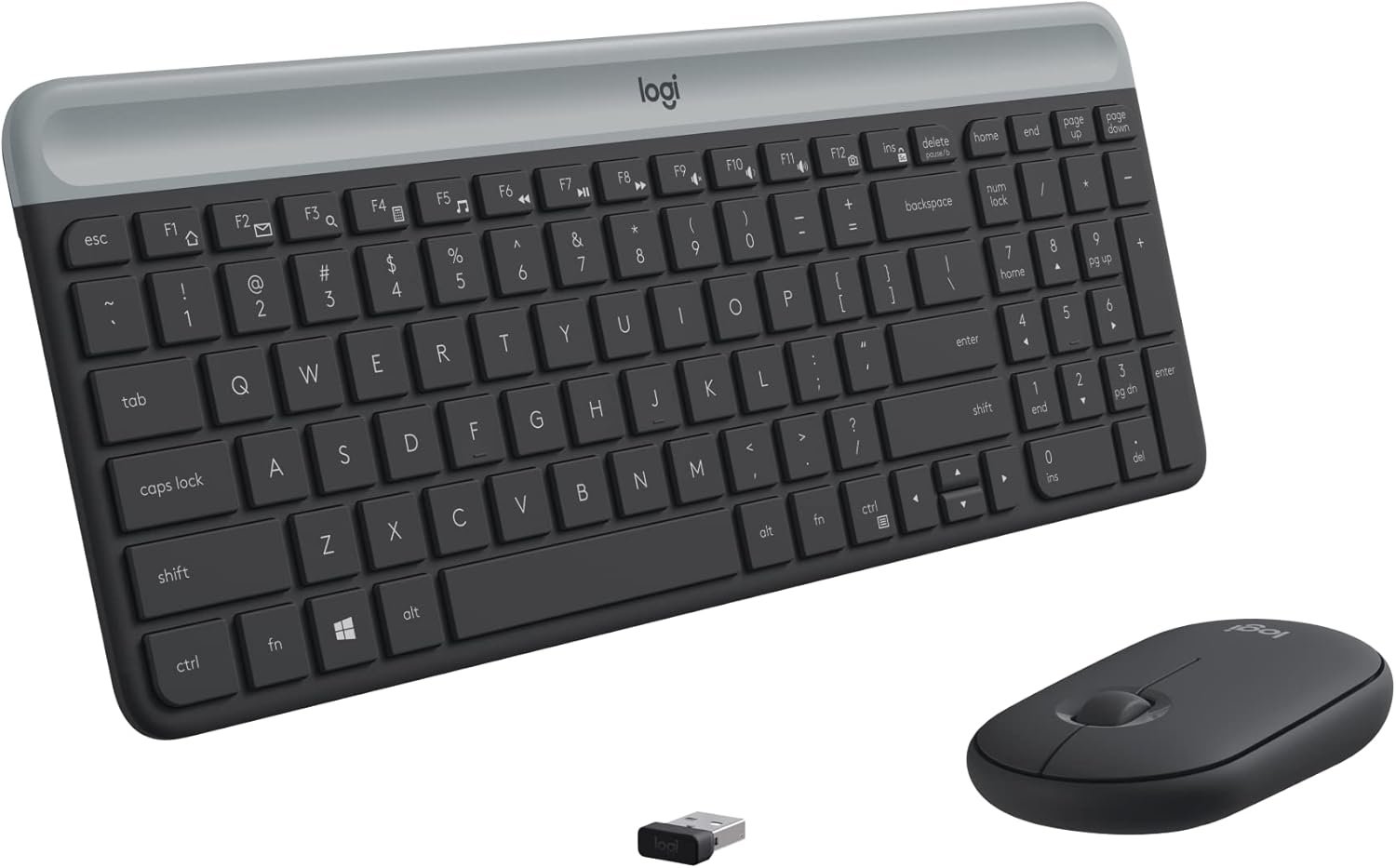
Logitech MK470 Slim Wireless Keyboard and Mouse Combo – Modern Compact Layout, Ultra Quiet, 2.4 GHz USB Receiver, Plug n’ Play Connectivity, Compatible with Windows – Graphite
$5.99
Related Products


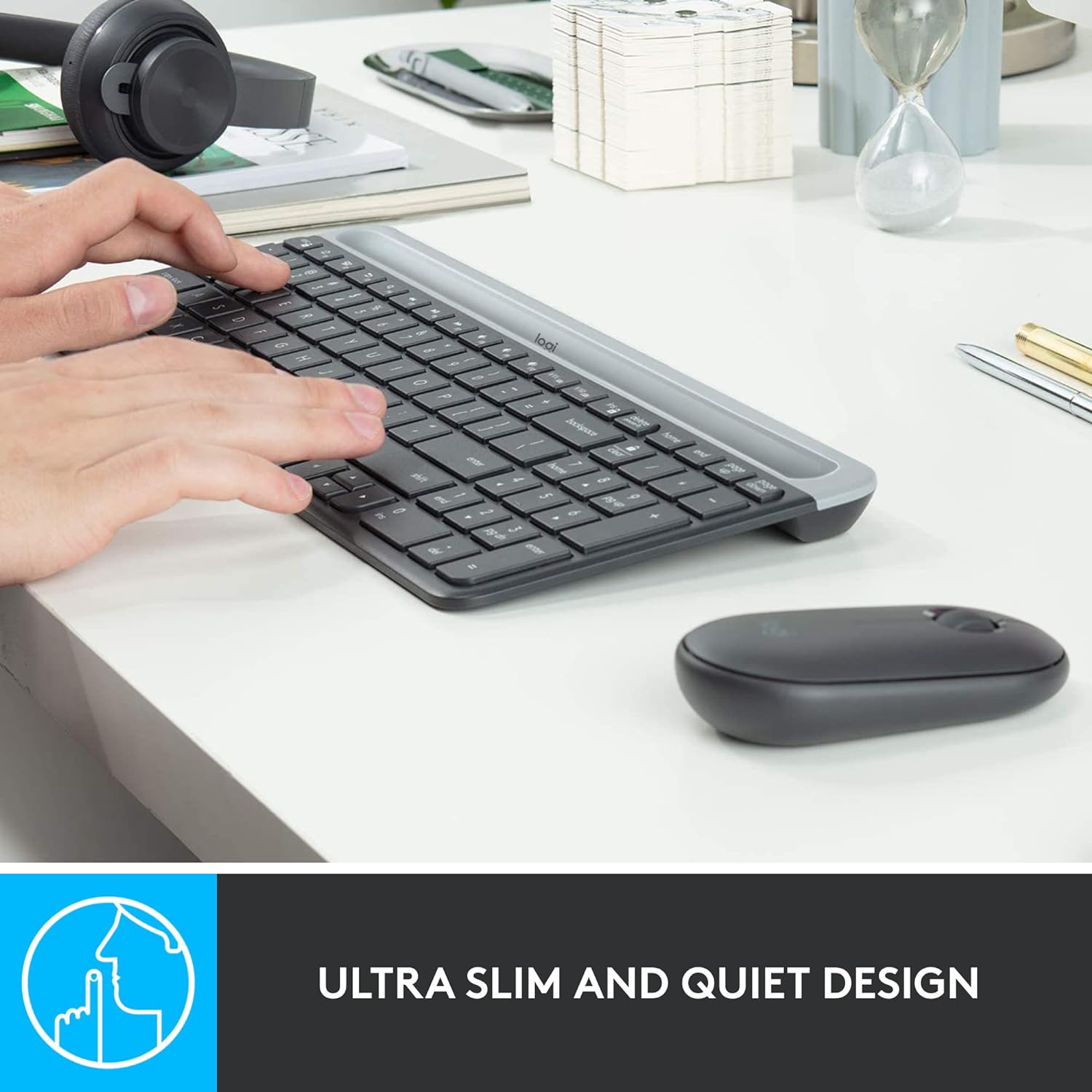
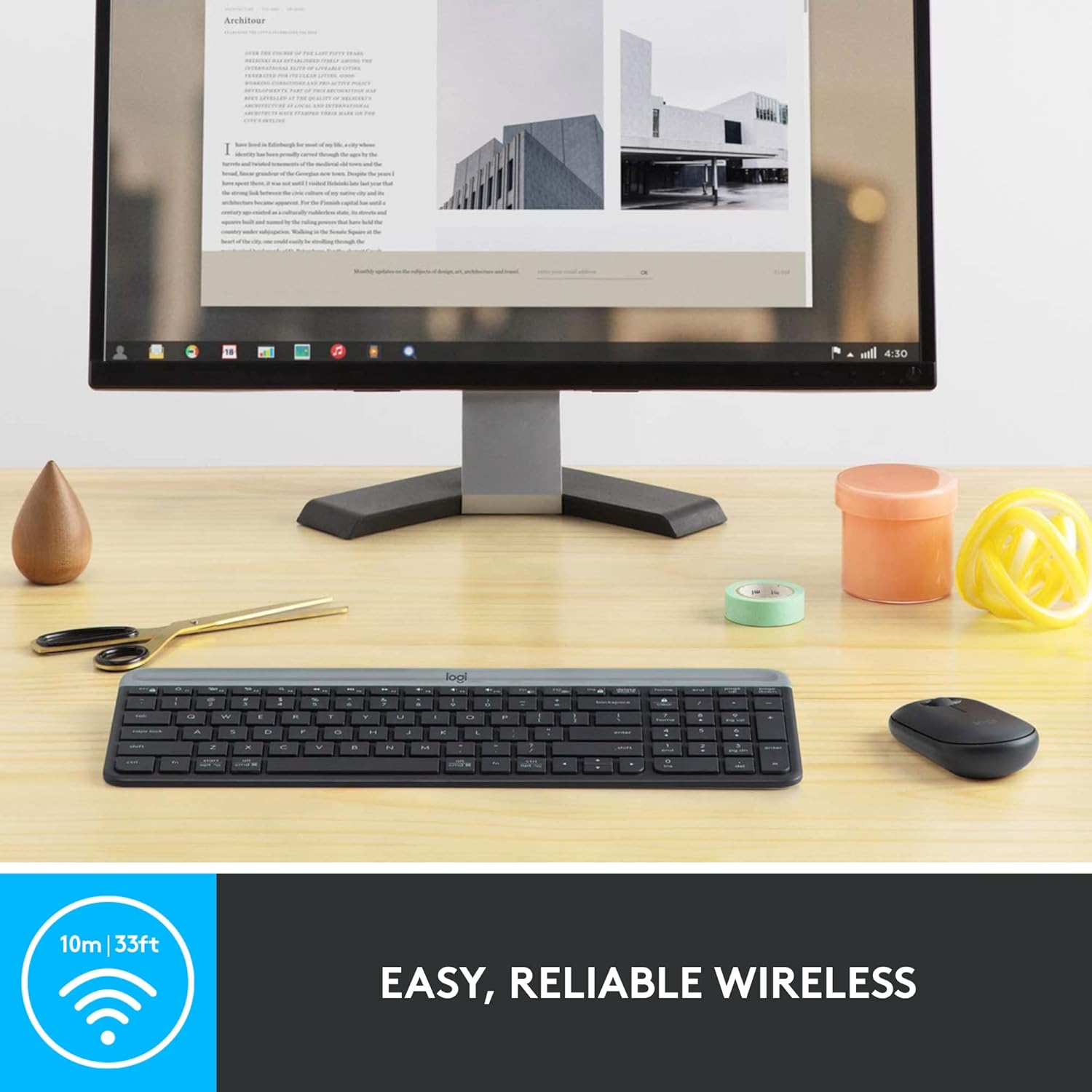
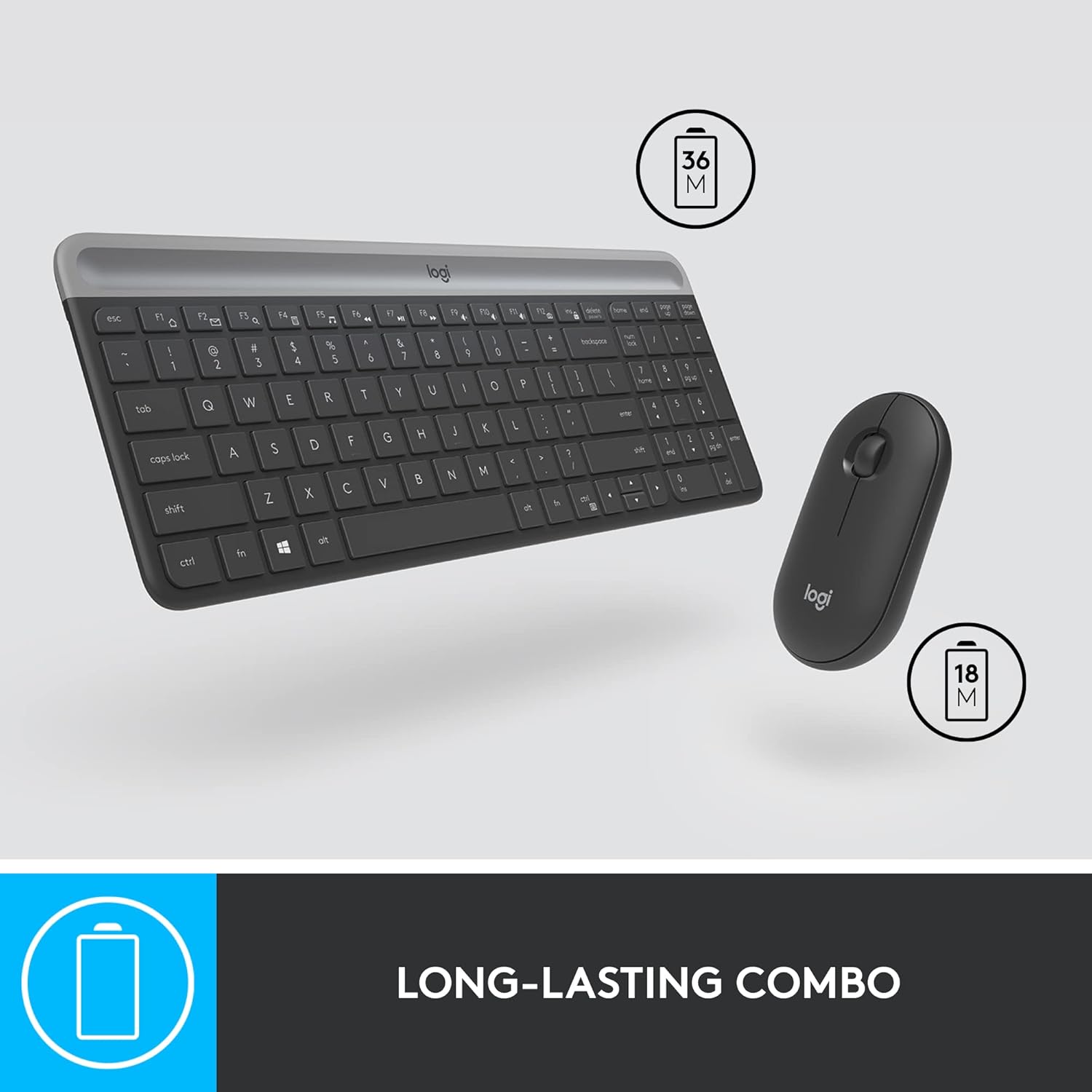

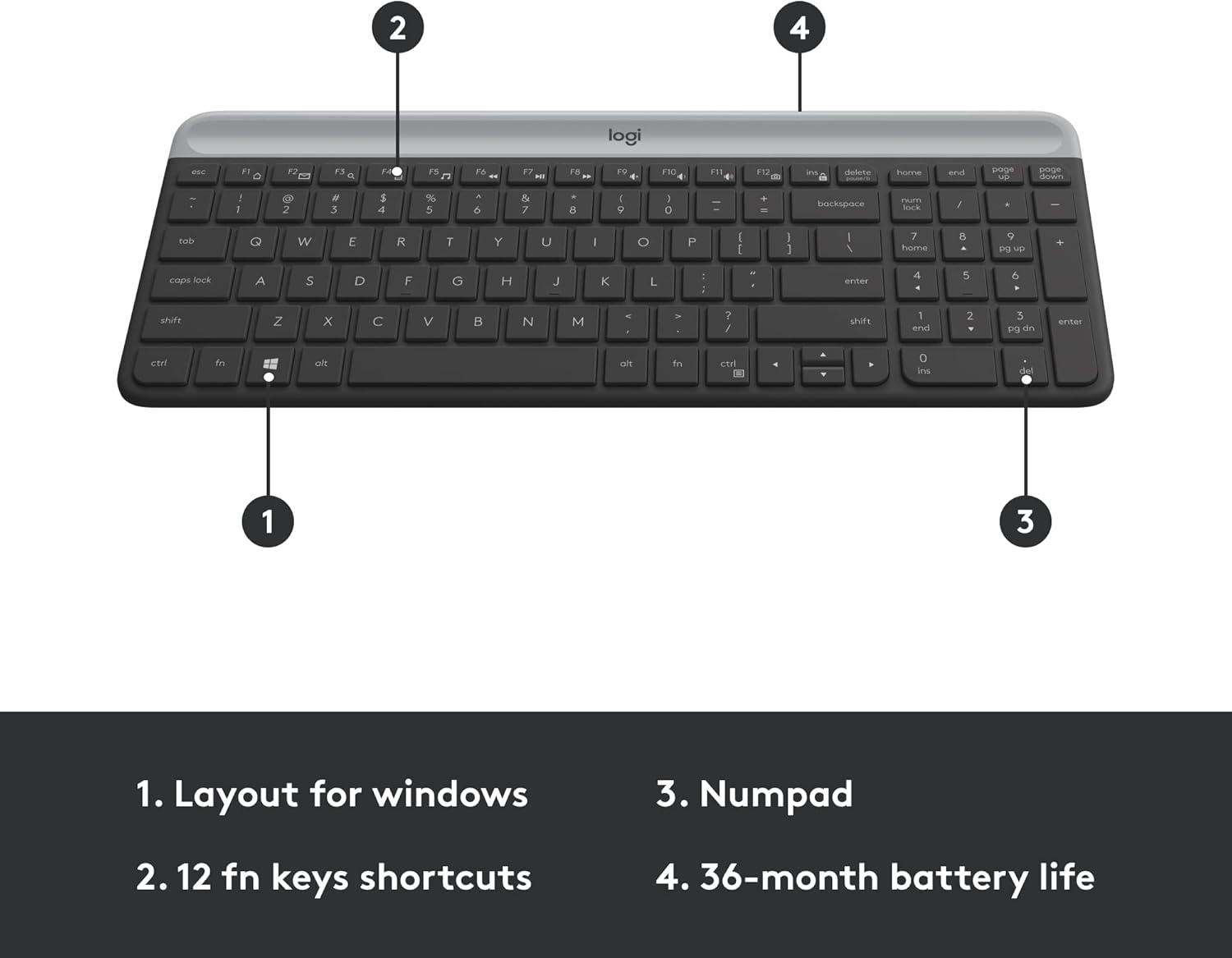
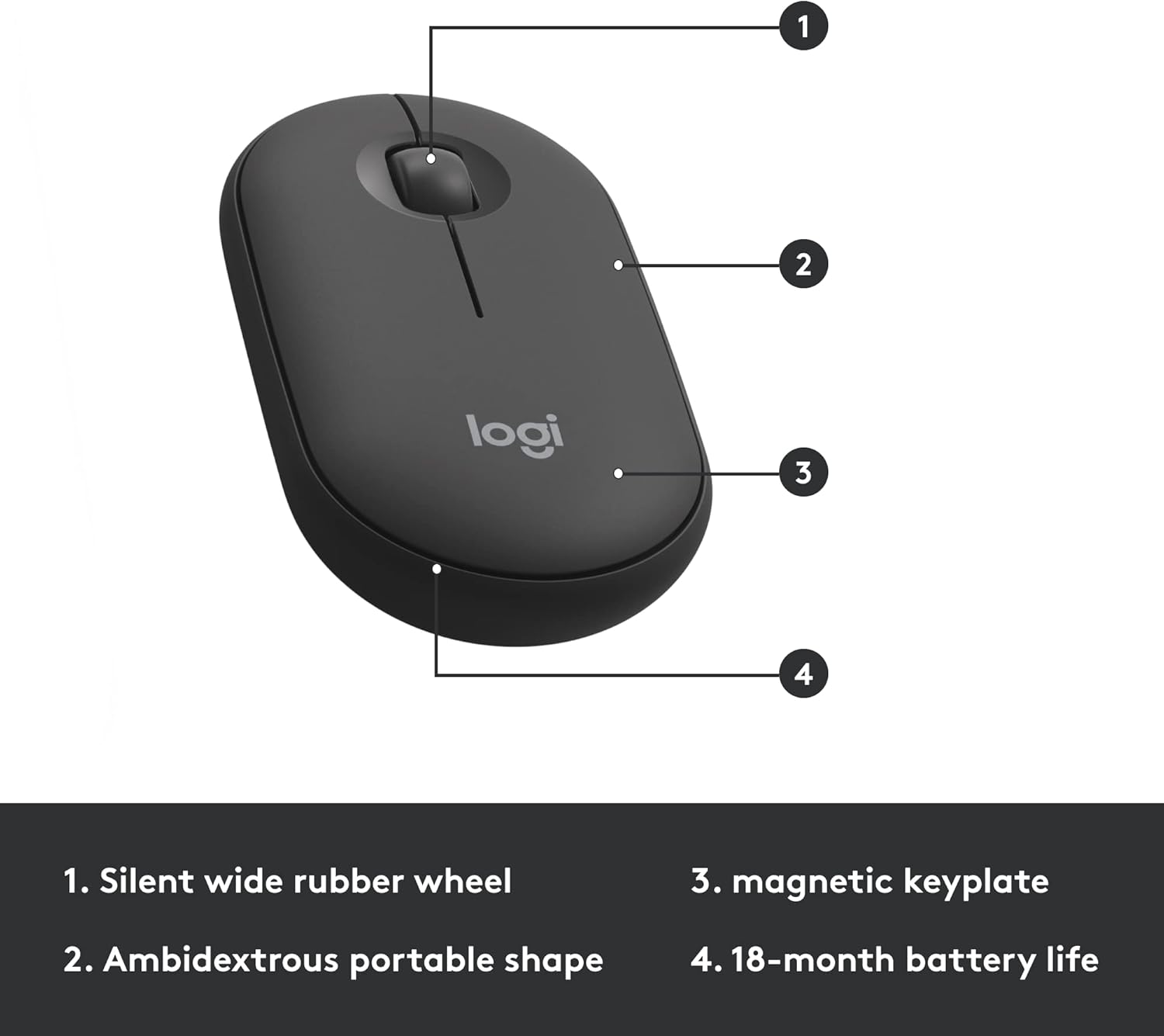
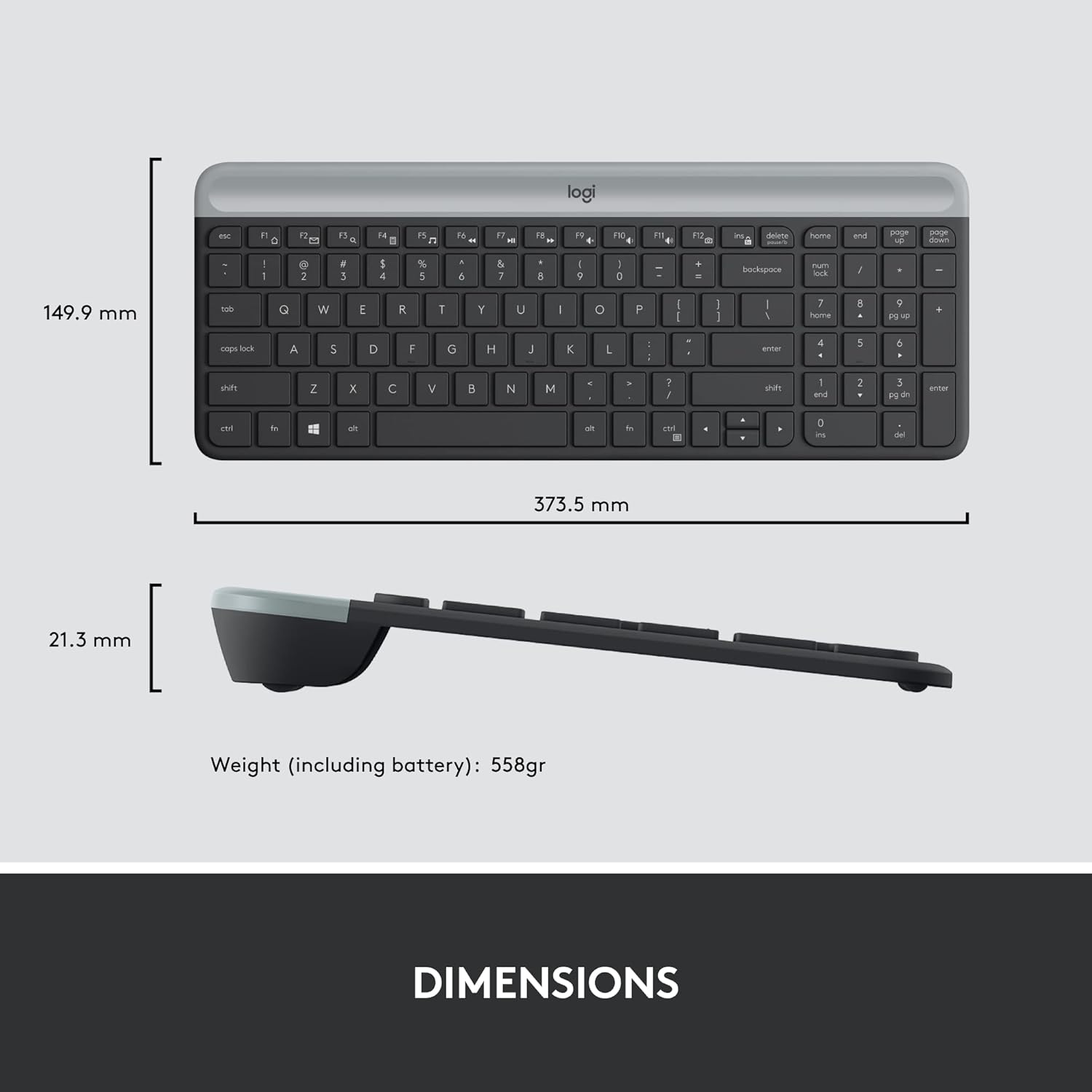
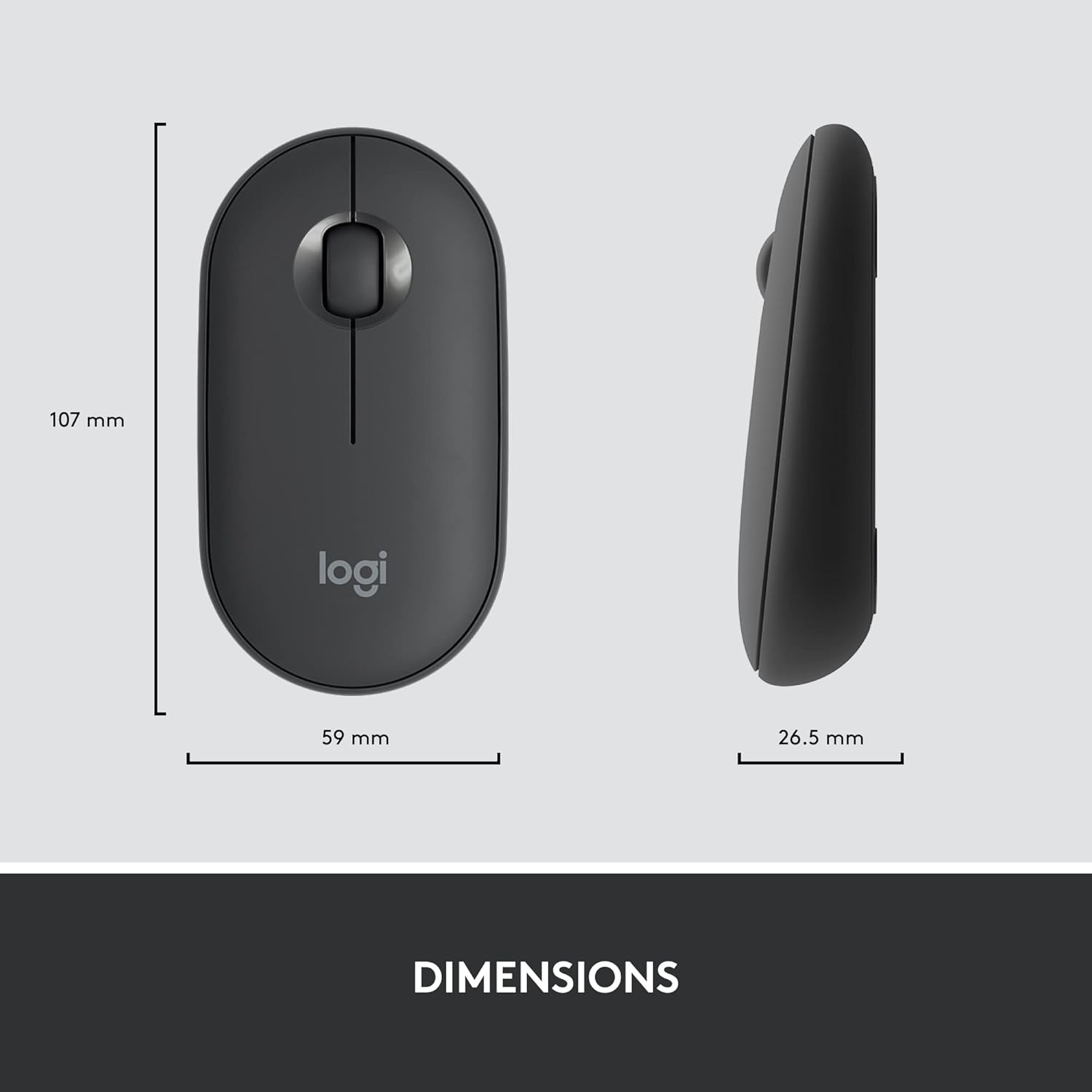

Minimalist. Modern. Slim. Introducing the MK470 Slim Combo – an ultra-thin and design-forward keyboard and mouse bundle designed for getting things done efficiently and quietly – even in the tightest desk spaces. The slim profile and minimalist design transform your keyboard and mouse into a visual statement that elevates your desk setup. Long battery life and easy plug-and-play 2.4GHz USB receiver ensure a reliable, hassle-free experience. Due to ongoing product enhancements, the battery door on the keyboard you receive may be either glossy or matte. Product details: Mouse weight (including battery): 100 g (3.5 oz) Mouse dimensions: 1 x 2.3 x 4.2 in (26.5 x 59 x 107 mm) Battery life: 18 months Keyboard weight (including battery) 19.9 oz (566 g) Keyboard dimensions: 14.7 x 5.6 x 0.76 in (373.5 x 143.9 x 19.4 mm) Battery life: 36 months Battery type (included): 1 AA for mouse, 2 AAA for keyboard Wireless operating distance: 33 ft (10 m) Wireless technology: Logitech nano USB receiver Platform compatibility: Windows 10 or later, Windows 8, Windows 7, also works with Surface.
Logitech MK470 cordless combo features a compact modern designed keyboard with low-profile scissor keys, a number pad and a layout optimized for Windows
This wireless keyboard and mouse set also features a comfortable, ambidextrous 3 button mouse with high precision optical tracking and mechanical scroll wheel, Sensor resolution: 1000 DPI
Whisper quiet keyboard and lab-tested, noise-reduced mouse means an ultra quiet work experience for you and those around you both in the office and at home
Simple plug-and-play USB nano receiver offers a strong reliable 2.4 GHz wireless connection with 10 m (33ft) of range(1) (1) Wireless range may vary based on environmental and computing conditions
Auto-sleep feature saves battery life, allowing for 36 months of keyboard use and 18 months of mouse use(2) (2) Battery life may vary based on user and computing conditions
Due to ongoing product enhancements, the battery door on the sleek keyboard you receive may be either glossy or matte
Personalized Productivity: Unlock a full range of possibilities and customize this combo to fit your needs; set up and assign shortcuts to the 12 customizable FN keys with Logi Options software
In case of wireless keyboard or combo (keyboard and mouse), the USB receiver is usually provided either inside the mouse (under the battery cover) or attached within the product packaging
11 reviews for Logitech MK470 Slim Wireless Keyboard and Mouse Combo – Modern Compact Layout, Ultra Quiet, 2.4 GHz USB Receiver, Plug n’ Play Connectivity, Compatible with Windows – Graphite
Add a review
$5.99
Liza Heredia –
Smooth typing and quiet keyboard. The combo with a mouse is a win.
I was hesitant to purchase but I do like the Logitech keyboards. Even if this doesn’t have backlight it’s easy to see and in dim lighting. I like the feel of the keys and the spacing of them is great. I type very well with this keyboard….and it’s quiet.Arrow keys are small as well as the entire top row but you can see that in the picture. It doesn’t bother me.It is just missing keys to turn the brightness on the computer screen up or down.The mouse was also surprisingly nice to use and doesn’t feel awkward and I have large hands.The keyboard combo with mouse is a win. I would purchase again.
Isabella Espina –
i loved this keyboard!
i love this keyboard. it’s so easy to use and type in. it just connects through usb so you don’t had to worry about connecting it through bluetooth or anything like that. it’s a good size in my opinion and i feel like the keys allow me to type super fast. i also love the mouse. its slim but it still fits perfectly in my hand. i honestly like it more than a traditional mouse. overall i think this was definitely a good product for the money.
flip –
My favorite Logitech keyboard and mouse
I’ve bought about 3 of these Logitech wireless keyboard and mouse combos. These items work great with any PC and laptops. I’ve used them with both and have had zero issues. I’ve had to change the batteries about once a year or longer, are extremely durable, and are a great value for what it cost me. I even bought a cover for the keyboard to protect it from spills and dust. The keyboard uses 2 AAA batteries that are included with the purchase, and 1 AA for the mouse.If you’re in the market for a lightweight wireless keyboard and mouse of great quality, then the Logitech MK470 Slim is a great option. Highly recommend! 5 stars all the way!!!
Xultar –
Doesn’t work with Unifying Receiver… need to use the one in the box.
First, let me say the devices in this combo take batteries vs being rechargeable. Replacing batteries is not wasteful, as a matter of fact it is exactly the opposite especially if you use rechargeable batteries. If you buy rechargeable devices with batteries that cannot be replaced by the user the entire device must be thrown out when the internal non replaceable batteries wear out. That makes rechargeable devices more wasteful and why we are moving away from that.—I deducted a star because it should have been mentioned in the description that this keyboard and mouse do not work with the unifying receiver.With that said, after having it for a few days, I like the keyboard. I have a Logi MX-Keys full-sized keyboard and it is too big for my new setup, I wanted to get the MX keys mini but the reviews were not favorable. Research led me to the K470 combo as a great price from Amazon Resale. My plan was to use the K470 and keep my current mouse M705. But since the M705 requires the unifying receiver I had to use the M340 mouse that came with the K470.Surprise surprise…. The lil M340 mouse in the K470 combo is a champ, it works on my desk without a mouse pad unlike the M705.The K470 is very quiet, the keys are a nice size and I don’t feel cramped. The keyboard and mouse are attractive but very plastic feeling however, it doesn’t bug me for the price. I also don’t mind that the keyboard does not have key lights, I don’t type in the dark and I can type without looking so it’s really not needed in my case.Overall, I am pleasantly surprised by this combo and I love the mouse. If you can get this combo from resale grab it, great have as a spare.
Chris –
Sleek, Silent, and Superb: Logitech MK470 Delivers!
I love the Logitech MK470 Slim Wireless Keyboard and Mouse Combo! Its sleek, compact design fits perfectly on my desk, and the ultra-quiet keys and mouse clicks are a game-changer for focused work. The 2.4 GHz USB receiver provides seamless plug-and-play connectivity, and it works flawlessly with my Windows laptop. Highly recommend this stylish, reliable, and whisper-quiet combo!
Desiree M. –
a few first-world “problems,” but no actual complaints!
SO FAR it’s a five-star. just plugged in, no issues with connectivity or anything whatsoever. i am typing on the keyboard right now, navigated with the mouse. love them both–especially how quiet they are. i’m not into the clicky-clicky.a few things:this is probably just me being DENSE but when i first opened the box, i thought that the keyboard was missing the USB connector. it was not; they operate together, with one. which comes separately inside the box, next to the mouse (as seen i others’ photos, i think). soooo don’t do what i did and have a near-nervous breakdown over a $40 mouse and keyboard set lol.secondly–again, this is my own issue lol and will resolve itself in short time–i come from using my boyfriend hand-me-down Superlight mouse/charging mousepad dealie and the mouse weighs more than i expected. i don’t game AT ALL so this is actually quite fine with me, but i was definitely surprised. the new mouse (this one) is not HEAVY…it’s just not super-light 🙂 but it’s beautifully simplistic, a gorgeous little shape and size (i have teensy hands), and funnily enough, i think i might have to turn my pointer speed down by one or two with this mouse. there’s just MORE TO IT. which again, is great to me. i work from home, i don’t play games.third, the delete/home/end/page up/down buttons will take some getting used to, but again, this is something that is a personal issue seeing as i didn’t may much attention to them–i was more concerned that i had a number pad. i can see that it’s saving space, which is nice because i prefer to use a bit smaller desk (48″) and keep it pretty tidy.not really a few things, just one, i guess. i wouldn’t consider the weight thing a negative, just something to keep in mind. the one-USB thing definitely surprised me, though i’m sure some of you reading this may EXPECT that it only comes with one USB…when i started nearly crying about the whole thing, my boyfriend said, “It probably only uses one–it’s a set.” he’s the expert loli hope i end up loving it as much as i think i will. the typing is so smooth and quiet, without much effort to push down on the keys like my former logitech wireless keyboard (again, it wasn’t a PAIN or anything, but i actually ended up swapping back to my company-provided Dell keyboard over the wireless one). and it’s super cute.editing to add: PLUG THIS INTO THE … NOT THE FANCY USB PLUG (BLUE), the basic one. if that makes sense? mouse will stop ‘jumping’ 🙂
LEOPOLDO PONCE –
EXCELENTE PRODUCTO Y UNA ENTREGA EFICIENTE
Ajay –
After 1 month usage:Best keyboard so far. It’s compact and typing is also smooth. If you are developer/Programmer then just go for it!
Morpheus –
Uses up a usb slot on the laptop.Mouse click stopped working within 4 months
MARICRUZ TAPIA –
Esta buenonel teclado
OMI –
This keyboard and mouse combo is excellent! The quality is very good, and both have a soft touch. The design is also really cute. The wireless range is great, and the soft key touch feels amazing. There’s no noise while typing, but you can still feel the key press, which is nice.It comes with a USB connection that is plug-and-play, making it super easy to set up. The best part? The mouse click is completely silent, which I love!Pros:High-quality and soft-touch keysCute and compact designNo noise while typingSilent mouse clicksPlug-and-play USB connectionCons:None so far!If you’re looking for a compact and well-designed keyboard and mouse, I highly recommend this one!