
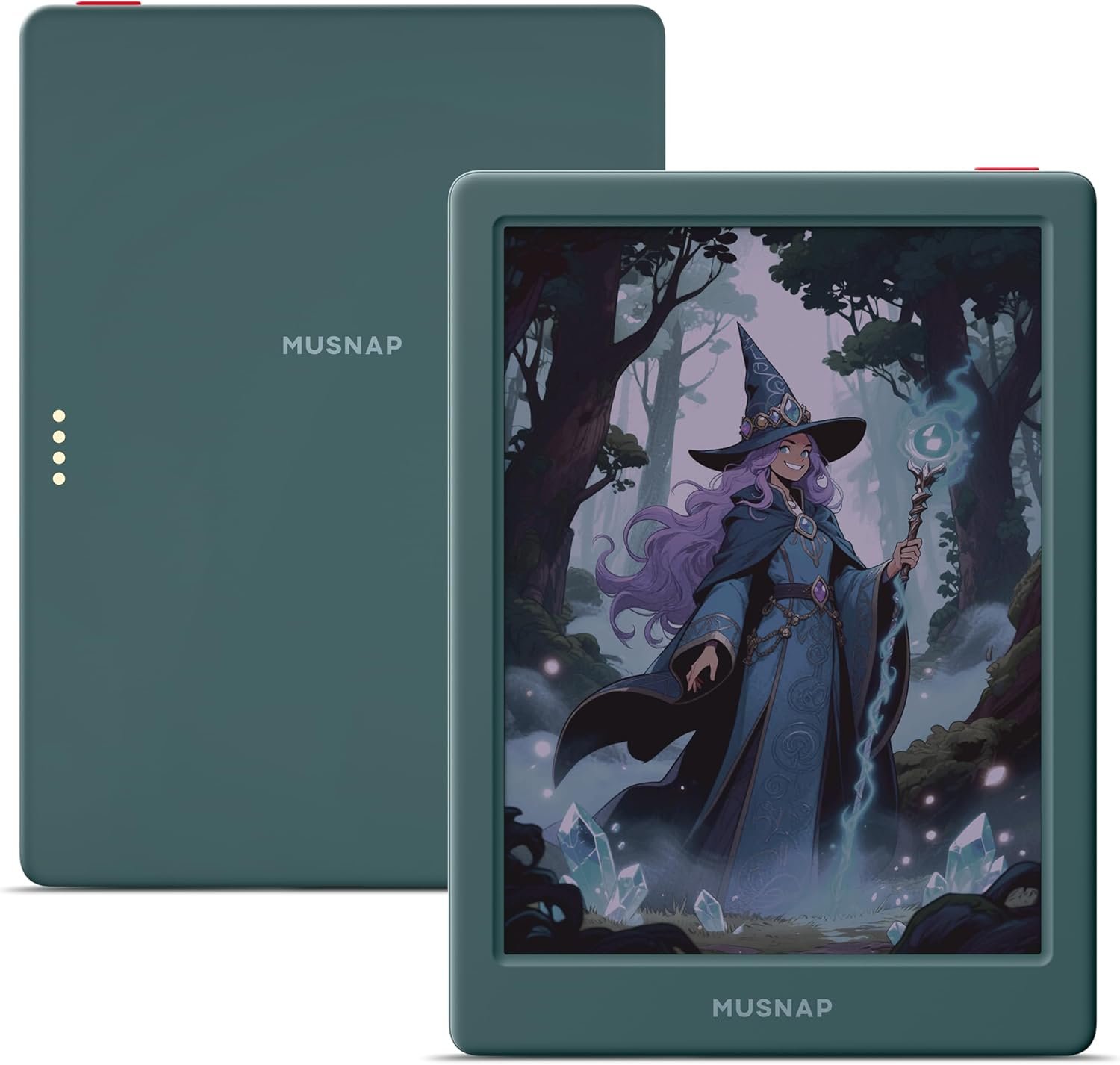
Neo C 64GB+4GB Colour eBook Reader Supports 3rd-Party apps, 6” E Ink ePaper eReader Digital Paper, with Color Display, Long Battery Life for Reading
$21.99
Related Products
![Aecooly Slim Portable Fan, Thin Handheld Fan, USB Rechargeable Mini Personal [24H Max Cooling Time], Battery Powered Small Foldable Pocket for Travel, Summer, Gifts for Women, Girls -Beige](https://totaltravel.co/wp-content/uploads/2025/11/61-gWIgUjpL._AC_SL1500_.jpg)





Product description

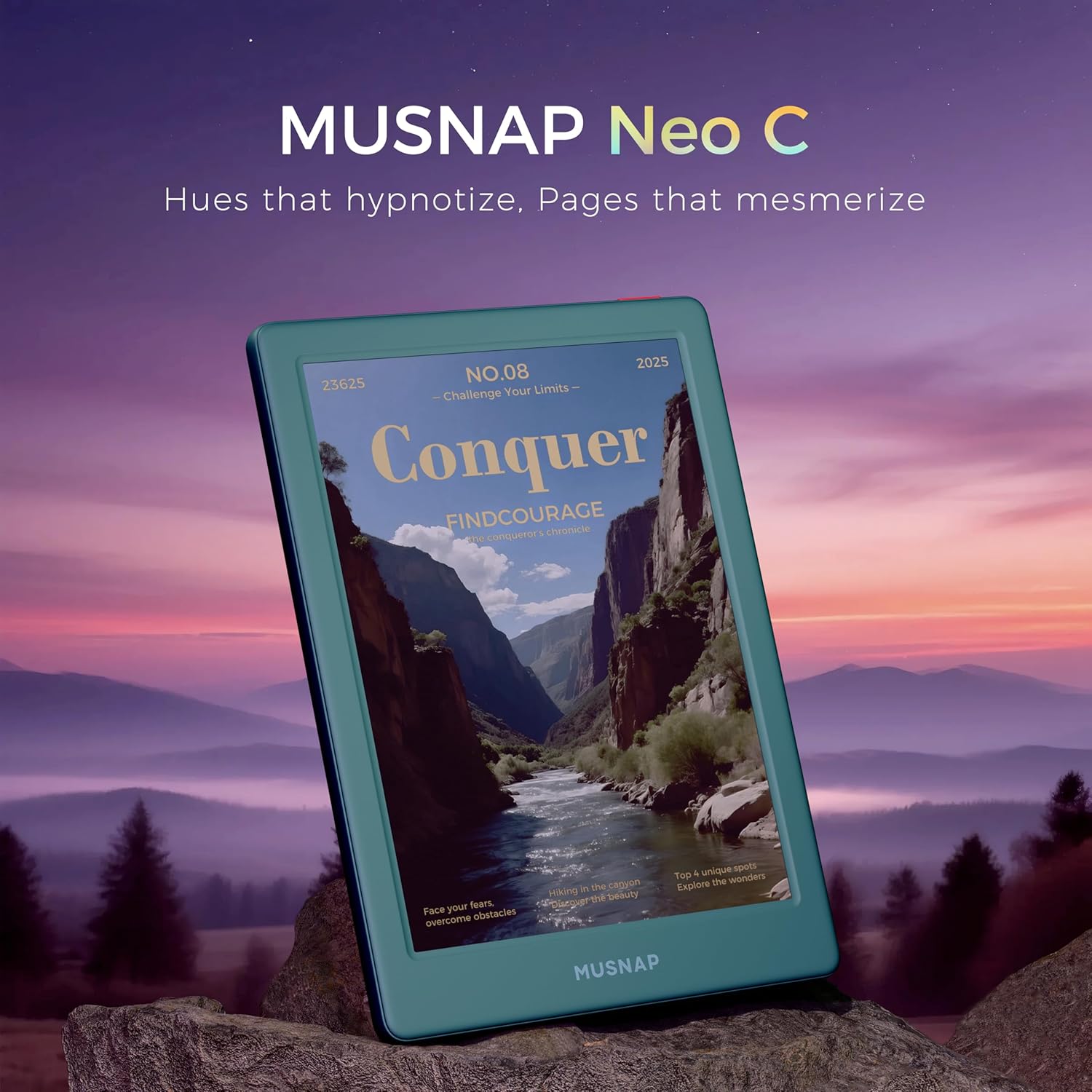
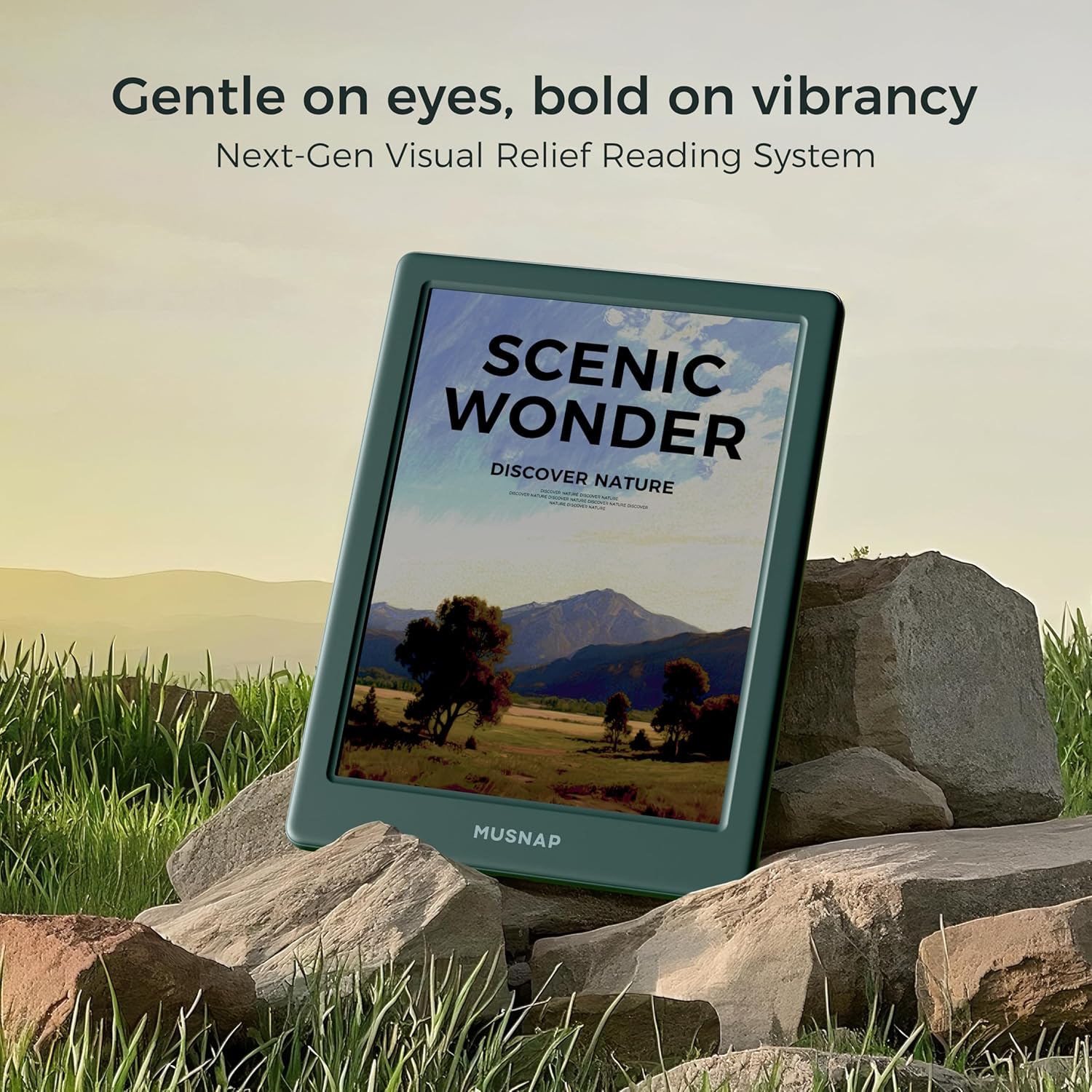
 Gentle on eyes, bold on vibrancy 6” Colour E Ink Kaleido 3 Display
Hues that hypnotize, Pages that mesmerize.Experience eye-comfort like paper with 4096 vibrant colors & glare-free touchscreen. Fast page turns, brightness/color temperature adjustment – perfect for comics, manga, books, & magazines.
 Read Anywhere, Anytime
Day :Read Comfortably , Night:Relieve Eye FatigueThe glare-free display and auto-adjusting front light adapt seamlessly for comfortable reading, whether in bright sunlight or dim nighttime conditions.
 Reading Time:40 Hours Standby Time:20 Days
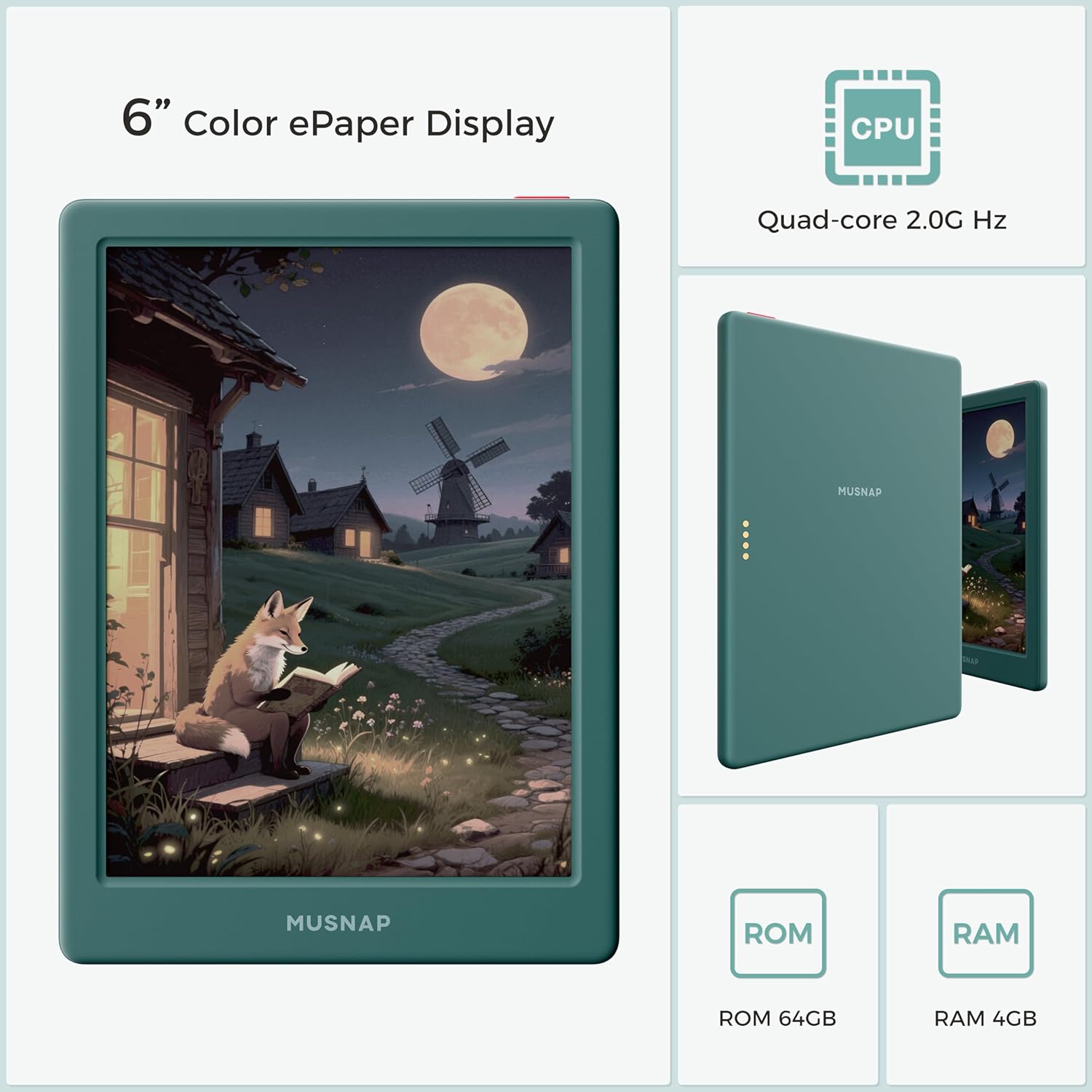
Powerful Performance: Quad-core processor (2.0GHz) with 4GB RAM + 64GB storage, running Android for seamless multitasking.
Applicability
 Paper-like Reading on Color E-ink Screen
Perfect for comics, manga, books, & magazines.Supported the Bluetooth connect,Wifi connect,USB connect
 Supported formats
image format: jpg,jpeg,png Book format: txt,epub,pdf,umd,mobi ,ebk2,ebk3,azw3 Font format: ttf,otf,ttc Audio format: mp3,flac,wav,m4a,aac Office documents: xls,xlsx,ppt,pptx .doc, docx
Compare Musnap e-readers
Add to Cart
Add to Cart
Add to Cart
Add to Cart
Add to Cart
Customer Reviews
3.0 out of 5 stars 6
4.0 out of 5 stars 10
3.4 out of 5 stars 49
3.4 out of 5 stars 49
3.5 out of 5 stars 3
Price
$449.00$449.00
$466.00$466.00
$189.00$189.00
$139.00$139.00
$39.00$39.00
DISPLAY SIZE
10.3″ color E-ink
10.65″ E-ink Flexible
6″ color E-ink
6″ E-ink
—
RESOLUTION
B/W 300PPI , COLOR 150PPI
300PPI
B/W 300PPI , COLOR 150PPI
300PPI
—
STORAGE
8GB RAM + 128GB storage
8GB RAM + 128GB storage
4GB RAM + 64GB storage
2GB RAM + 64GB storage
—
BATTERY
4000mAh
4000mAh
1800mAh
1800mAh
—
WRITING CAPABILITY
✔
✔
✘
✘
✘
Musnap Neo C Technical details
Display 6” Color E Ink Kaleido 3 Display, 300 ppi B&W, 150 ppi color, HSOT: Light-Scattering Polymer Guide Plate, Instant-Clear Technology: i-clean 2.0, Gray Scale 256 2.0, Fast Refresh Technology. Size 6.0 inches Weight 0.32lb On-Device Storage Quad-core processor (2.0GHz) with 4GB RAM + 64GB storage. Battery 1800mAh, reading time: 40 hours, standby time: 20 days. Charge Time 2Hours Content Formats Supported image format: jpg,jpeg,png Book format: txt,epub,pdf,umd,mobi ,ebk2,ebk3,azw3 Font format: ttf,otf,ttc Audio format: mp3,flac,wav,m4a,aac Office documents: xls,xlsx,ppt,pptx .doc, docx Included in the Box Musnap Neo C, USB-C charging cable, User Manual
6” Colour E Ink Kaleido 3 Display: Experience eye-comfort like paper with 4096 vibrant colors & glare-free touchscreen. Fast page turns, brightness/color temperature adjustment – perfect for comics, manga, books, & magazines.
Powerful Performance: Quad-core processor (2.0GHz) with 4GB RAM + 64GB storage, running Android for seamless multitasking.
Read Anywhere, Anytime: The glare-free display and auto-adjusting front light adapt seamlessly for comfortable reading, whether in bright sunlight or dim nighttime conditions.
Supported formats: image format: jpg,jpeg,png Book format: txt,epub,pdf,umd,mobi ,ebk2,ebk3,azw3 Font format: ttf,otf,ttc Audio format: mp3,flac,wav,m4a,aac Office documents: xls,xlsx,ppt,pptx .doc, docx
Supported the Bluetooth connect,Wifi connect,USB connect .Supports 3rd-Party apps
7 reviews for Neo C 64GB+4GB Colour eBook Reader Supports 3rd-Party apps, 6” E Ink ePaper eReader Digital Paper, with Color Display, Long Battery Life for Reading
Add a review
$21.99
Eslam Elbialy –
Perfect reader on the go
Perfect compact sized device. Very responsive and good colors on the screen. I bought it on sale and feel like I got a great deal. Compact and light, easy to use and no cluttered home screen, unlike my kindle. Very sturdy device with a very nice clear screen. I had no problem updating it.
mom2many –
a little complicated to set up, but surprisingly pleasing in the end; CAN put Kindle app on it
I have just received this today, so I want to come back and add to this review for longevity later, but given the paucity of reviews I wanted to get one out quickly so others can make informed decisions. There were no reviews when I ordered this product, but other Musnap products are well spoken of in various internet forums.I’ve always read on an AMOLED tablet, and got this because I thought it would be easier on the eyes. That means I’m one of the few people who is an avid reader and yet has never regularly used a Kindle. My first impression was to wish the blacks were blacker and that the resolution was higher. If you’re coming from a high resolution tablet, I suspect you would feel the same. If you’re coming from another e-ink device like a Kindle… well, I still don’t know what they “normally” look like. It may also be a font problem. I will be trying to solve this mystery in the coming days. I believe e-ink are pretty similar between products, so I may just be unhappy with the blackness of e-ink and it might not be specific to this product. It does have a cool/warm light, which my initial reaction was dislike, but again I’m just not familiar with that whole category and it may be par for the course with these kind of screens. For me, I think I’ll get a off-device booklight if I end up using this in the dark.That is, ultimately, the only “con” that I have encountered so far.INITIAL SET-UP: The included directions are very, very sparse. You have to enable Google services (deep in settings) and then the Play Store will pop up on available apps (eventually), and then you’re in business. But getting there could have used some directions. When you turn it on, it appears to ONLY be an e-reader. And I freaked out, because the product page when I ordered said it had the Play Store, but it was nowhere to be found. And there was no app page, no launcher… just this reader. Click “home” and you’re still in the reader. It was a panicky moment. But then, I found the Play Store! It was there after all, just hiding.And that’s when the fun begins. I didn’t do this in the right order, but I recommend installing a browser first, and then installing a launcher like Burrow UI (on Github). You can also install Gmail, the Kindle app, etc. It wouldn’t let me install Logos Bible software from the Play Store, but I was able to get the apk to install when I downloaded it, and it works. There are display settings you can set per app to adjust several different things like blackness, whiteness, display rate, etc.So now, it’s almost like a normal Android tablet. The settings are still a little odd, like the operating system is not quite vanilla Android at all — I haven’t puzzled all this out yet — but so far, I’ve been able to get it to do everything I want it to do!Size is another element that is new to me — my tablet is just over 10″ which is significantly larger. This is pretty nice. It’s frustratingly small if you like a lot of things on the screen (I do), but for actual reading, it’s the perfect size to hold in one hand or balance on your knee, and as I used it tonight in a Bible study, I found that surprisingly satisfying. It’s also small enough that I can mostly use it with one hand like you might a phone, although it’s got a lot more visual space than my Pixel. And it’s far easier to hold than a phone or 8″ or 10″ tablet. And the build quality is really solid. It feels good to hold. It feels like if I dropped it, it would be fine. I’m not going to test it. ;)It’s e-ink not a LCD screen, so the refresh rate is significant and the ghosting is real. It auto-refreshes often enough to please me (which fixes the ghosting). It also is a cheaper tablet overall and slower than my more expensive Samsung. BUT it’s not painfully slow at all, and I’m actually surprised at how well it functions. I thought this was a cheap buy to get my feet wet, but it might end up being satisfactory.
Slam Jams –
Works well 🙂 .. As long as you don’t shut it down.
EDIT 10/22/25: I completely shut down this device for a couple days to save battery power, and went to turn it back on yesterday… and nothing shows up now, the screen is completely blank. The wallpaper shows and it allows you to “unlock”, shut off or restart the device, but otherwise you are brought to a blank white screen. I’ll be returning this now. It sucks because the device worked fine for 2 weeks with no problem.ORIGINAL REVIEW:Bought this tablet after wanting to trade my onn tablet for an actual dedicated ereader, but didn’t want to be locked down to Kindle, Kobo, or Nook. The first tablet sent to me didn’t work, but after contacting Amazon they were quick to send a replacement. Turned on quick, doesn’t need WLAN for setup so starting was a breeze.Portable & Lightweight at a 6inch screen reminiscent of the original 6in Kindle. The color is nice and bright, readable text but only has light mode, however there is a temperature slider to make the screen warmer for night reading. Only one button is available on the entire device- everything else is done by navigation gestures on the screen. There is ghosting but it’s to be expected with eink screens, especially when scrolling. Like all ereaders this should be put in a 6in protective case that closes to cover the screen to make sure it doesn’t get damaged.This is definitely an android *based* tablet. It is book-first, exactly what I want in an ereader, but I’m having trouble with all of my book files showing in the library, sometimes you have to go into the file manager to dig up a book. Has Visible Network Wi-fi and Bluetooth compatibility.Play store is available, Apps are available but through the settings screen… You can pin a singular app on the bottom home navigator. The device also allows you to install app packages you have downloaded in via your computer, so loading FOSS apps is an easy task. Apps also have a “page size scale” more akin to a DPI scale, and will make elements in the app bigger or smaller. The device defaults to the 200s range but I recommend the higher 300s if you have a hard time reading text.Speaking of text… You can load custom fonts into this which I haven’t tried yet. You can also have the book cover as a wallpaper (though it must be a book read thru the native library launcher and not an app) or a custom wallpaper you load in from a computer which makes customization a high mark from me :)My first complaint is if an app requests for the file browser, you might get the mascot with an error in Chinese with noway to select the file. If your reader app needs to load a backup for whatever reason, youre out of luck.My other complaint, more of a suggestion, is this tablet has compatibility with a smart case with page turn buttons and auto screen shut off with the cover as shown in the settings, which I can only assume what the 4pin connecor on the back is for. Sadly I see nowhere to purchase this. I’d love to buy that if it ever comes out.For the price point, I’d day this tablets worth it. It does it’s job and does it well enough. Good Job Musnap 🙂
Michael Earwood –
Save your money!
The reader has a very uneven, splotchy screen. I wanted to like it but it’s extremely slow. It takes more than 5 minutes just to install the Kindle reader. I’d also be worried about security because it’s running Android 10 which is very old now.
Naomi –
Strong, light, good battery, minimal ghosting
It works really well. It has a lot of storage, and once you adjust the colors/screen to your liking the colors do show. It is an e-reader so it will not have the same look as an iPhone/smart phone device. Ghosting is minimal, but can be fixed by adjusting the refresh rate. Battery life is long lasting. Easy to hold and not heavy at all. I love that I am to access all of my books in once place. It’s a neat little e-reader!
J –
It’s just ok.
I’ve had a lot of e readers. This one is middle of the road. Good color quality is good. I don’t like the user interface. Over all it will get you where you need to go
K. Kidd –
So far it’s worth the money
I received this today. So far I love it. It’s light weight and perfect size for holding. The tricky thing is finding a tablet case for it, but I think it’s similarly sized to the Boox so I just purchased one like that today. Hopefully it works— excited to have this added to the collection! This is a lot faster than the Meebook already and color is not as bright as the picture but it’s just enough so you get the idea which is what matters for the 5 secs before you flip the page. Next test is to see how the battery does 🙂 Will update once that is done. Navigation is a bit tricky but not hard to figure out. Love that I’m able to download all my reading apps to one place